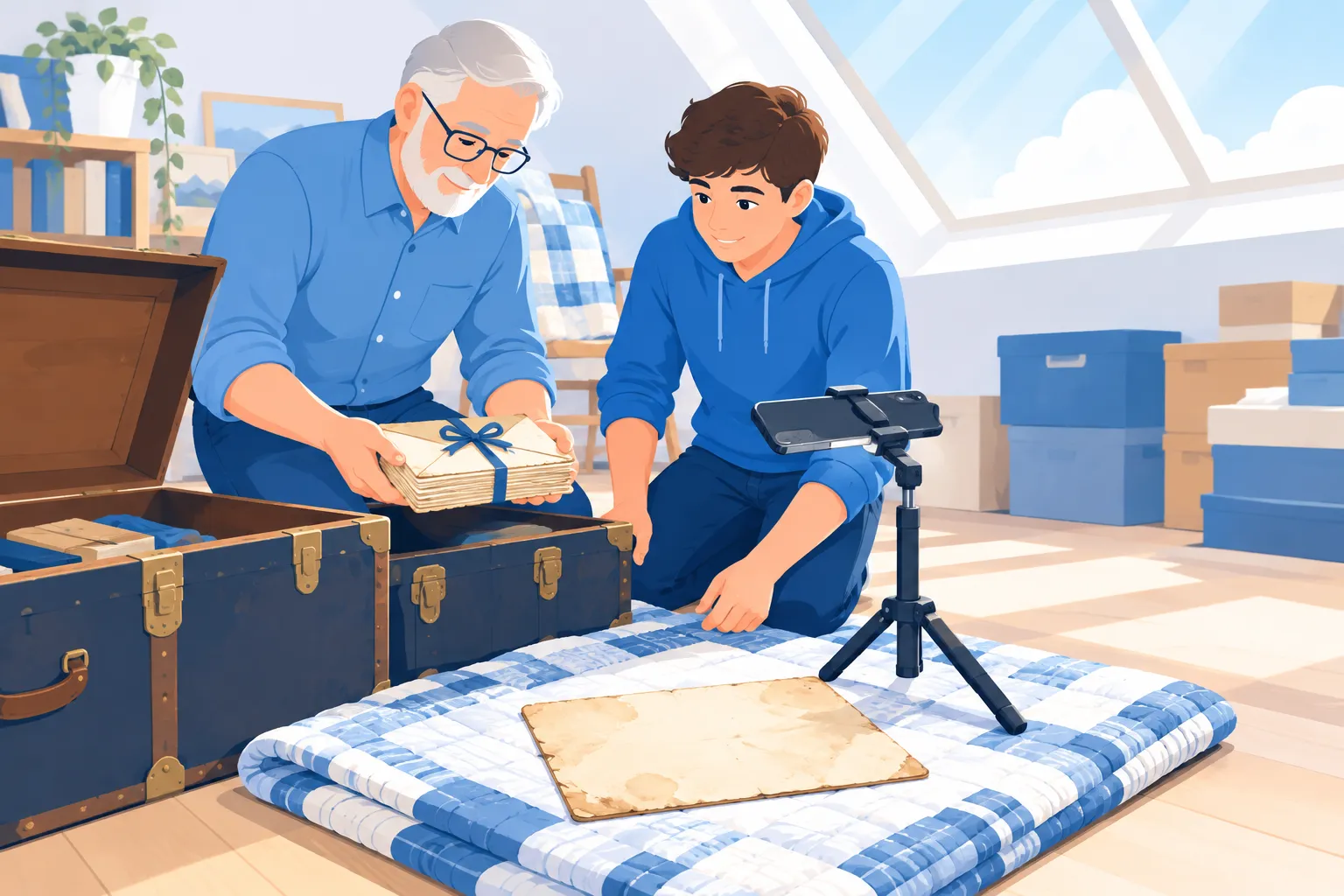
Boxes of old letters and diaries fade, tear and get lost, and nobody can search a shoebox. This guide shows you how to digitize old handwritten letters and journals in four steps: prepare the paper, capture clean images, turn the handwriting into searchable text and store it so it lasts.
Key takeaways
- Handle fragile paper gently and capture images before anything else.
- A phone in good daylight is often enough; flatbeds suit loose letters.
- Handwriting OCR turns scans into searchable, editable text in seconds.
- Keep originals, images and text together, backed up in more than one place.
1. Prepare the Paper Before You Scan
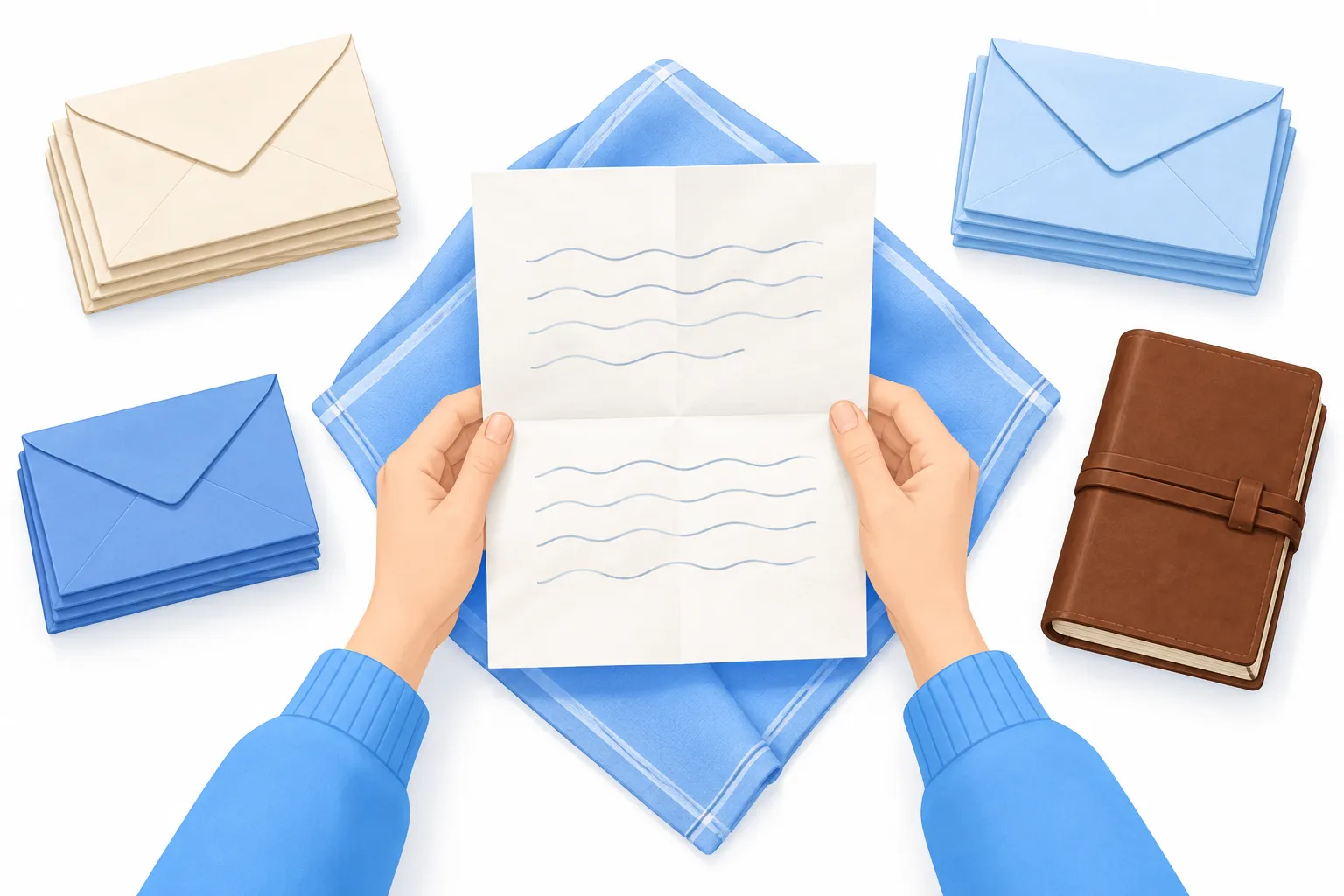
Old paper is brittle, so preparation protects the originals and gives you sharper images. Work on a clean, dry table away from food and drinks.
Handle with care
- Wash and dry your hands well; skip lotion.
- Unfold letters slowly and never force a crease flat.
- Remove paper clips and staples only if they lift out without tearing.
- Leave tape and stuck pages for a conservator if they resist.
Sort before you start
Group items by person, year or journal volume. A simple order now saves hours of renaming later and keeps letter threads together.
2. Capture Clean Images: Scanner or Phone?
The quality of your capture decides how well the text can be read later. You don't need expensive gear; you need even light, a flat page and a steady camera.
| Method | Best for | Watch out for | Gentle on fragile items? |
|---|---|---|---|
| Flatbed scanner | Loose letters, postcards, single sheets | Pressing a bound journal flat can crack the spine | Yes for loose pages; risky for tight bindings |
| Phone camera | Quick batches, bound journals, oversized pages | Shadows, glare and tilted angles | Yes, nothing touches the page |
| Phone on a stand or tripod | Long journals, consistent results page after page | Needs steady, even lighting | Yes, ideal for books that won't lie flat |
| Overhead book scanner | Large family archives | Cost and setup time | Yes, designed for bound volumes |
Tips for a sharper capture
- Use soft daylight from a window, or two lamps at angles to remove shadows.
- Hold the camera parallel to the page so lines stay straight.
- Capture both sides of every letter, plus the envelope.
- Save at the highest resolution your device offers.
- Shoot one page per image for easier text conversion.
Faint pencil and faded ink benefit most from good light. If a page is hard to read by eye, retake it before you move on.
3. Turn Handwriting Into Searchable Text
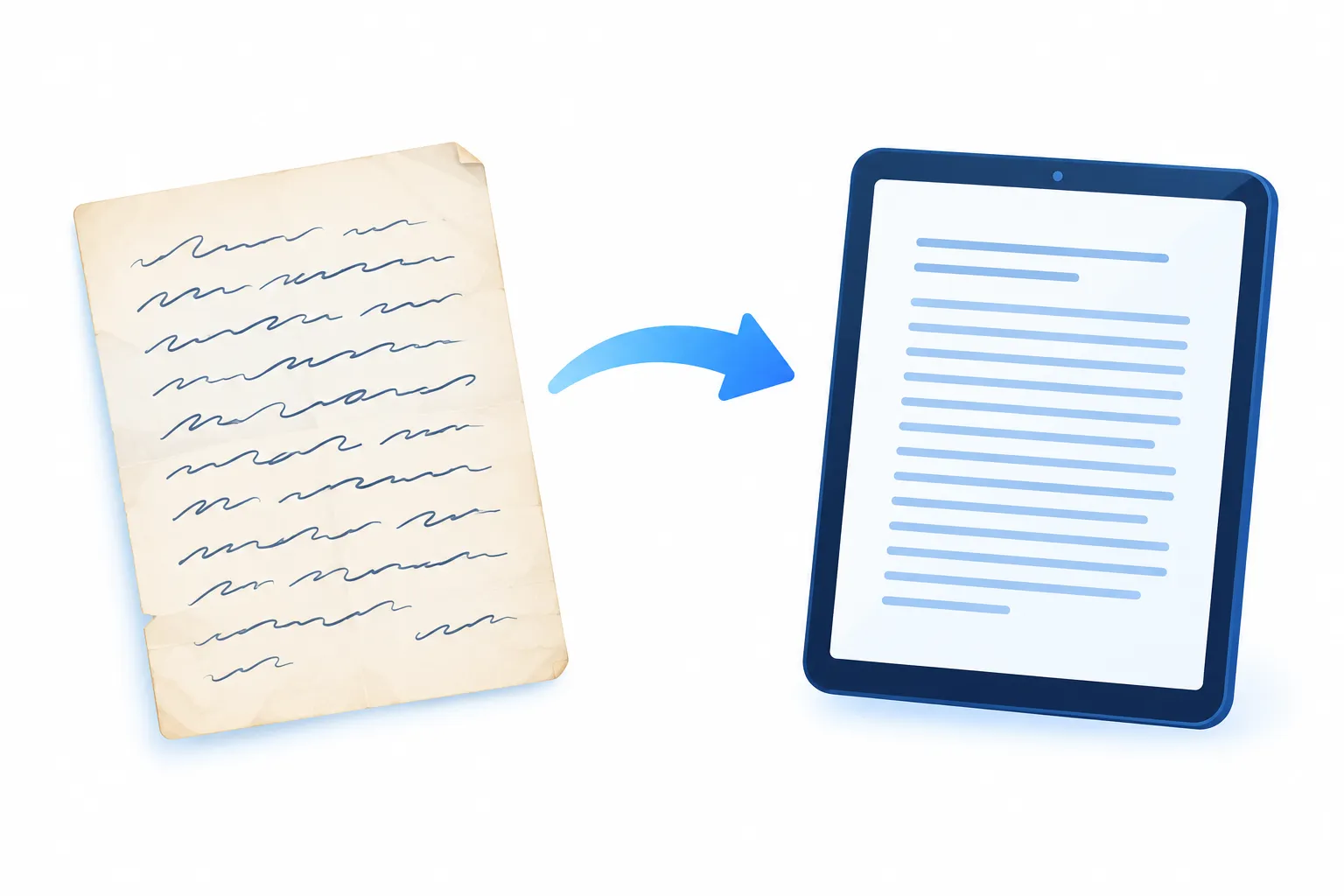
Images preserve the look of a letter, but text makes it searchable, quotable and shareable. This is where handwriting recognition, a type of OCR (optical character recognition), does the heavy lifting.
Run the images through handwriting OCR
Upload each page to a handwriting OCR tool that converts handwritten notes to text. ScanThisText pulls text out of any image in about 0.4 seconds, with no ads and no retyping.
For typed items in the same box, such as telegrams, newspaper clippings or printed cards, the free OCR scanner handles them just as quickly.
Proofread what matters
Cursive, old spellings and ink blots can trip up any transcription method. Read each result against the original image and fix names, places and dates by hand.
- Keep original spelling and punctuation for historical accuracy.
- Mark unclear words in brackets rather than guessing.
- Note crossed-out lines; they often carry meaning.
4. Organize, Store and Share Your Archive
A digital archive is only useful if you can find things and it survives a lost laptop. Pick a simple system and stick to it.
Name files consistently
Use a pattern like year, month, writer and page, so files sort themselves. Save the image and its text file with the same name, side by side.
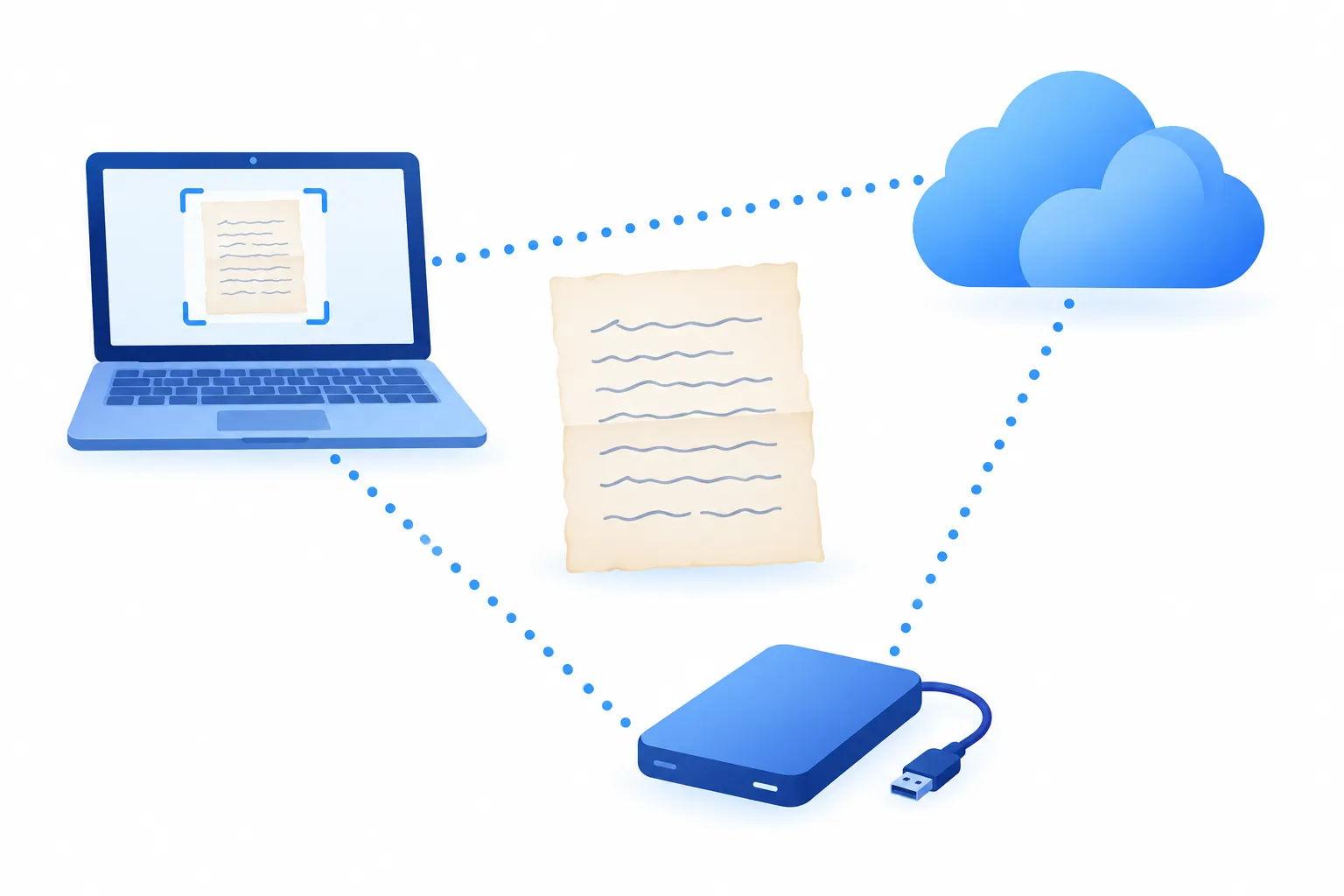
Back up in more than one place
- One copy on your computer.
- One on an external drive kept somewhere else.
- One in cloud storage.
Export the text to a document or PDF if relatives want to read the letters without opening dozens of files. Searchable text lets anyone find every mention of a name in seconds.
Store the originals properly
Digitizing doesn't replace the paper. Keep originals flat in acid-free folders, in a cool, dry, dark spot away from attics and basements where heat and damp do damage.
FAQ
Can OCR read old cursive handwriting?
Yes, modern handwriting OCR handles cursive, though neatness, ink fade and image quality affect results. Always proofread names and dates against the original.
Is a phone good enough to digitize old letters?
For most family collections, yes. Even daylight, a steady hand or stand, and a flat page give images clear enough for text conversion.
Should I scan bound journals on a flatbed?
Only if the binding opens flat easily. Otherwise photograph the pages from above so you don't stress the spine.
Is ScanThisText free to use?
Yes, there's a free tier with its limit shown up front, no ads and no sign-up hoops. Heavier use is covered on the pricing plans page.
Conclusion
Digitizing old letters and journals comes down to gentle prep, clean images, accurate text and solid backups. Start with one letter today and see the handwriting turn into searchable text in under a second. Have a large family archive or a project to plan? Contact ScanThisText to talk through the fastest way to get it done.


